Nano Banana Pro and Seedream 5.0 Pro are now live in the model picker.

Image Studio

Every leading image model. One canvas.

Generate, edit, grade and upscale stills across twelve models without leaving the workflow, and keep one cast character the same person across every frame you make.

Sixteen seconds across the models that run the suite.

What it does

Every claim on this page, running

Each block below is the product itself, not a description of it.

Generate

Describe it. Watch it arrive.

Type the frame in plain words, choose the model, the ratio and the count, and press Generate. Every other module on this page starts from a frame made here.

Open Generate

Recorded from the Generate screen

Twelve models

Change the engine inside the job.

GPT Image, Nano Banana, Seedream and Seedance all sit in one picker. Swap between them mid job without exporting, without a second subscription and without rebuilding the prompt. When a better model ships it appears here and nothing you have built has to move.

See the models

The model picker, twelve engines live

Upscale

Any frame, up to maximum resolution.

Drop in a still, pick 2x, 4x or 8x, and get it back with the detail held rather than smeared. A thumbnail becomes something you can put on a billboard.

Open Upscale

Recorded from the Upscale module

Color Grading

A cinematic look, in one move.

Put a grade on a finished frame and hold it across the whole set, so twenty images read as one film instead of twenty separate renders.

Open Color Grading

One frame, three looks, composition untouched

Multi Angles

One subject, shot from every side.

Turn a locked subject and get a full coverage set of the same thing from the angles you ask for. This is the difference between an image and a scene.

Open Multi Angles

Nine angles of one locked subject

The claim, shown

One character. Every shot.

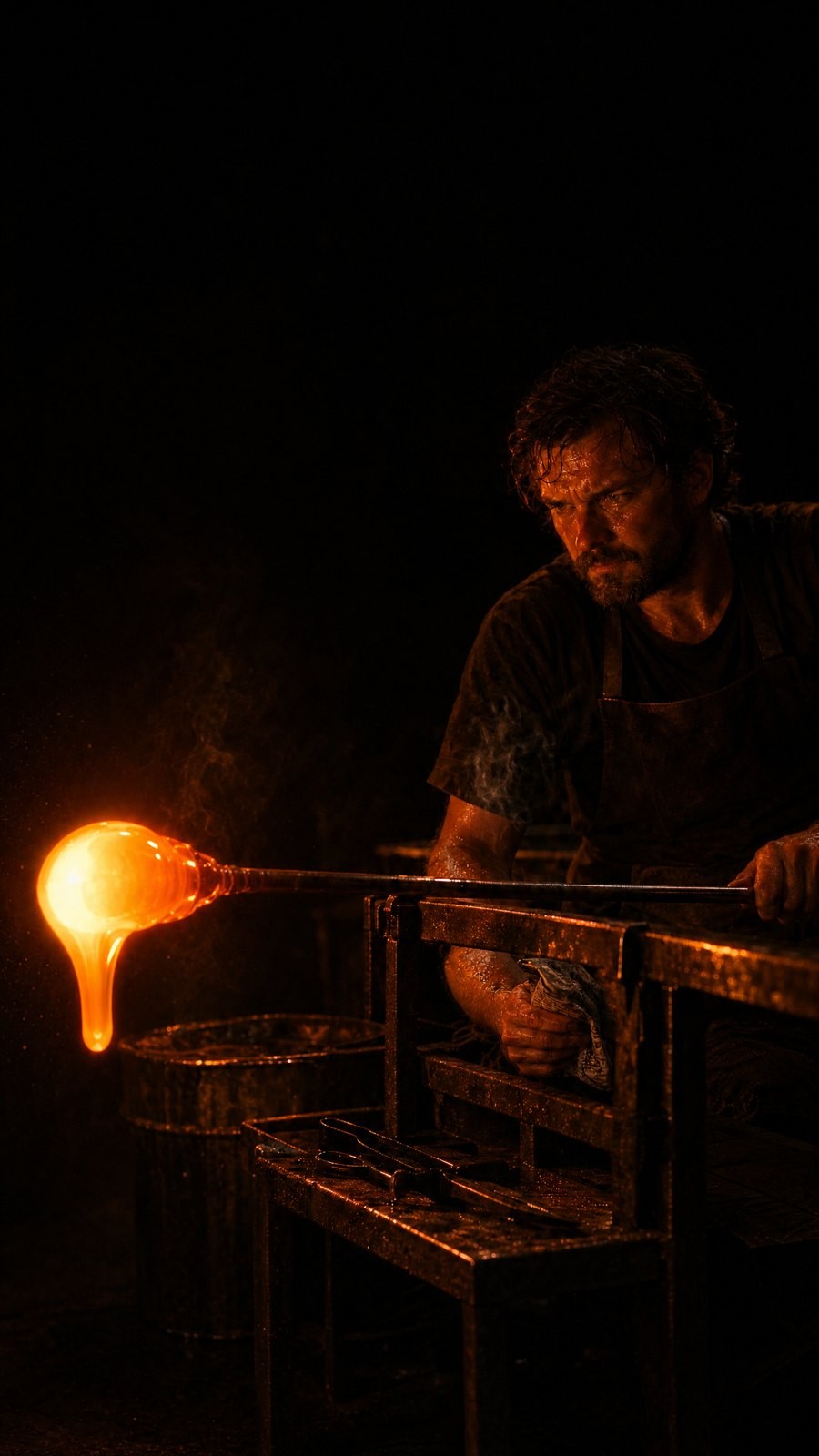
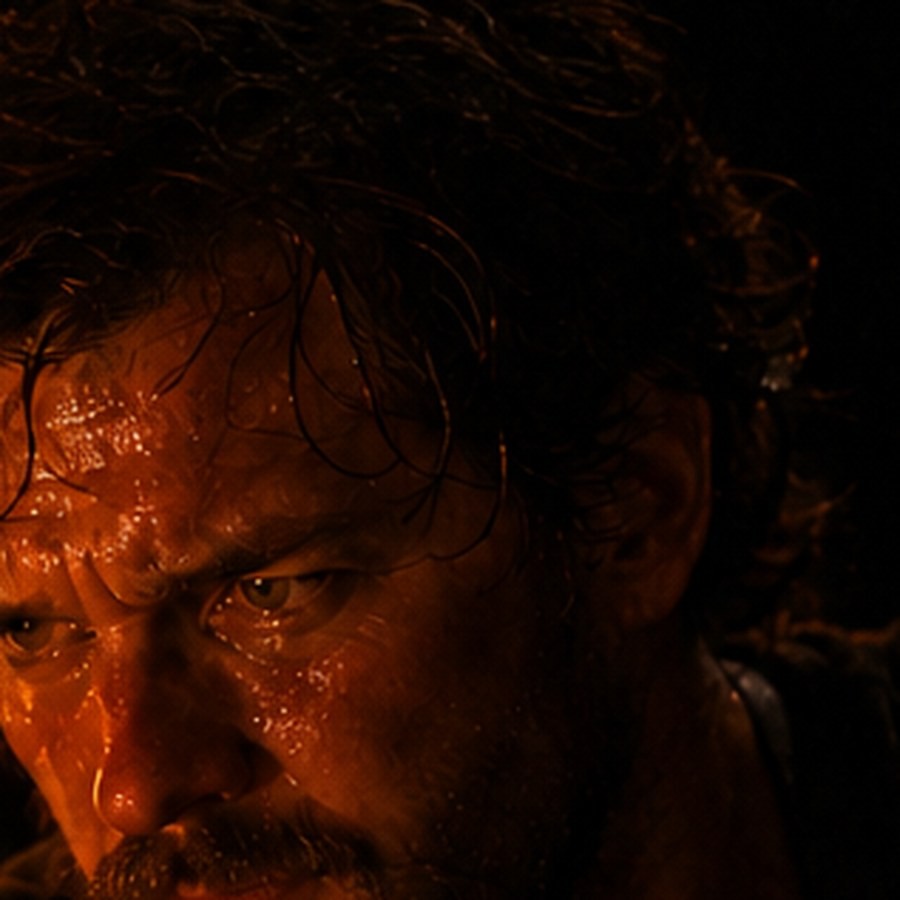
Consistency is the claim every platform in this category makes in writing. This page makes it in pictures. Below are two separate generations of one cast character, at two different aspect ratios, from two different runs. Under each one is the face at full resolution, so you can check it yourself.
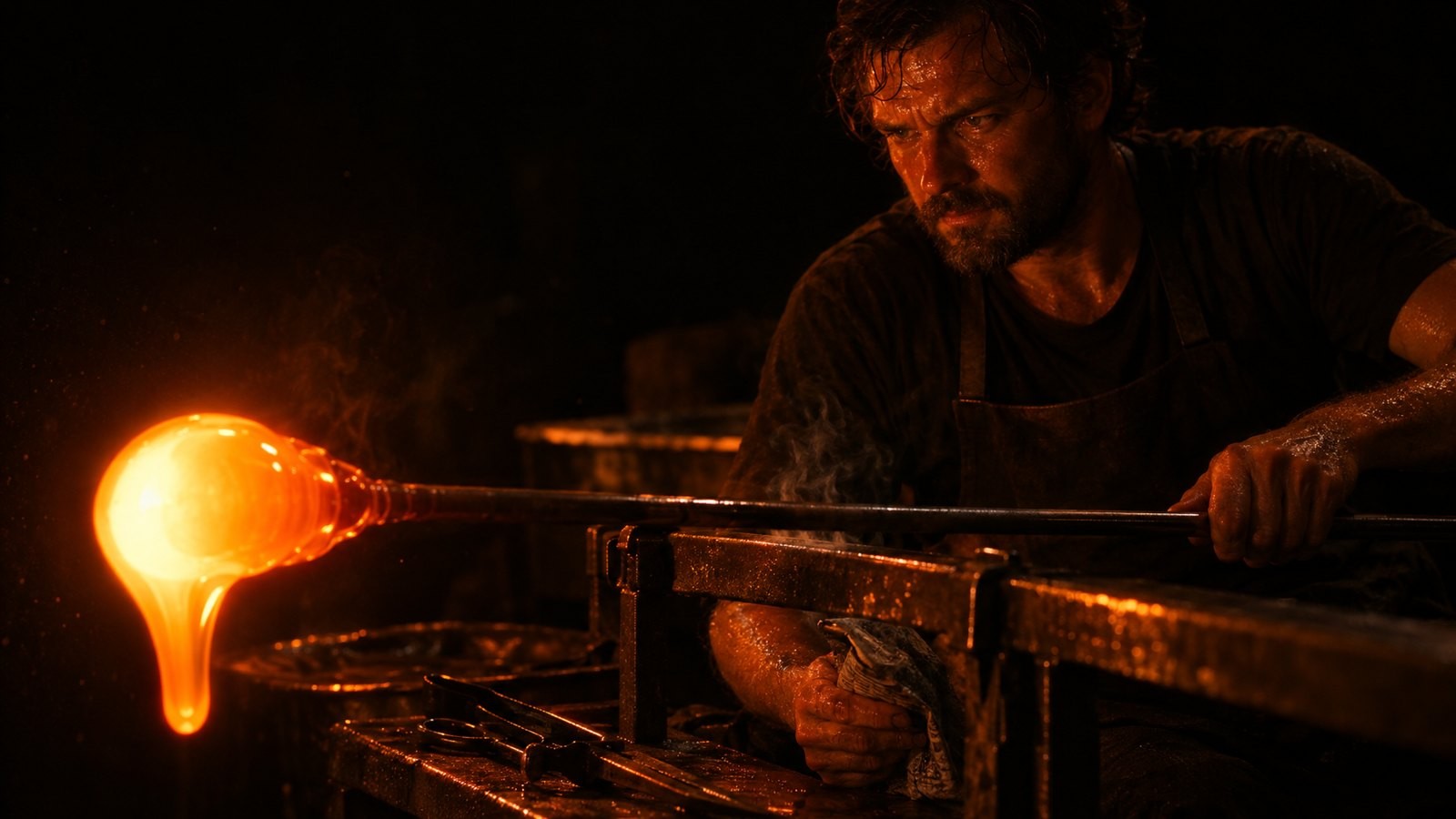
Run one, 16:9
Run one, 16:9

Run two, 9:16

Run two, 9:16

The face, at full resolution, from each run
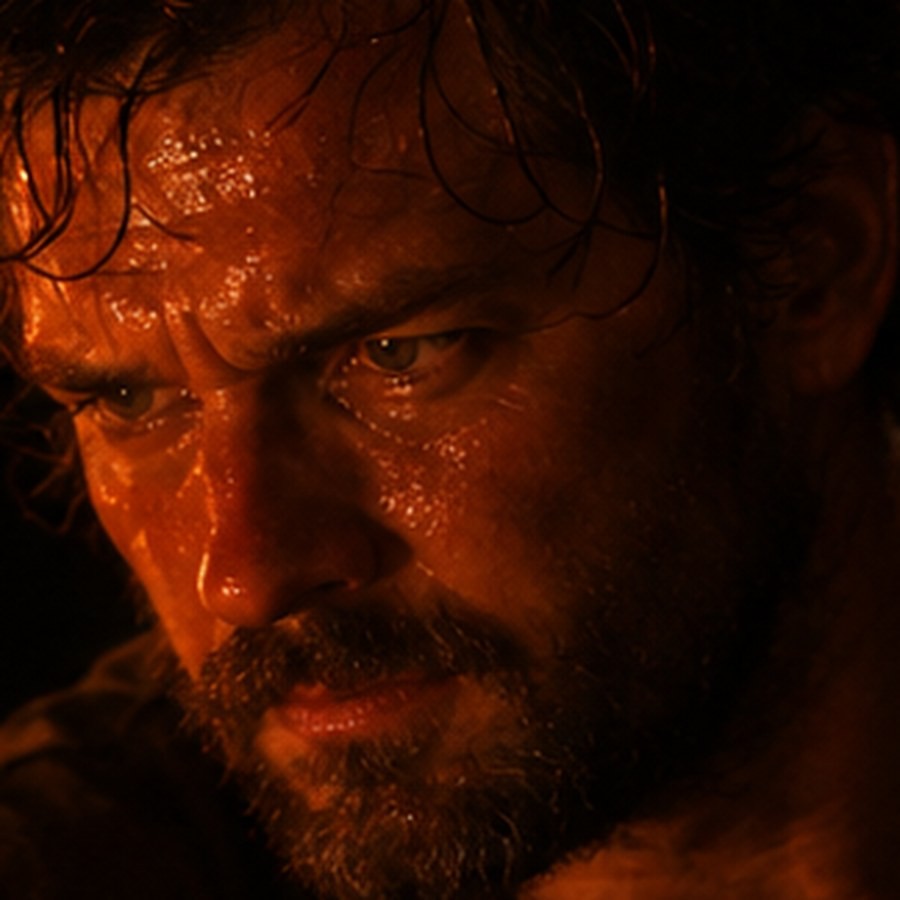
Run one, 16:9 detail
Run one, 16:9

Run two, 9:16 detail

Run two, 9:16

Two runs, not one image cropped twice. The brow, the nose, the beard and the wet hair carry across both. Five modules exist to hold exactly this: Character Identity, Expression, Costume, Location and Objects.

Open Character Identity

Everything in the suite

Twenty-one modules, one canvas

Grouped the way the product groups them. Every name below opens that module.

The engines

Twelve models, one picker

Read off the live product. Change between them inside a running job.

GPT Image 2GPT Image 1GPT Image 1 LiteNano Banana ProNano Banana 2Nano BananaNano Banana 2 LiteSeedream 5.0 ProSeedream 5.0 LiteSeedream 4.5 SequentialSeedream 4.0Seedance 2.0 Mini
Modules
Twenty-one, in three groups: Create, Edit & Enhance, Continuity.
Models
Twelve, switchable inside a running job.
Inputs
Text, a reference image, an Element, or a frame to edit.
Controls
Camera angle, aspect ratio, resolution, count and palette.
Handoff
A finished still goes into the Video suite as a first frame.

Asked and answered

The questions that come up

What actually stops a character drifting between images?

Casting Director fixes the identity, and the five Continuity modules hold the parts that normally drift: the face, the expression, the wardrobe, the location and the props. Every later image renders against that locked set.

Can I work on an image I already have?

Yes. Upload any frame and inpaint it, relight it, grade it, upscale it, swap the face, change the outfit or rebuild the scene around it. The original is not destroyed.

Which models can I use?

Twelve, listed above, chosen per shot and changed mid job. If a better model ships next month it appears in the same picker and nothing you have built has to move.

Do the images carry into video?

Yes. A finished still is handed to the Video suite as a first frame, so the character cast here is the character that moves there.

How large can the output be?

Up to the maximum the chosen model supports, and the Upscale module takes any frame from there to 2x, 4x or 8x with the detail held.

Who is this for?

Studios building key art and storyboards, agencies producing campaign visuals, and commerce teams making product and model imagery at volume. Anyone who needs many images of one character, one product or one world.

Cast a character. Watch it hold.

Twenty-one modules, twelve models, one locked identity running through all of it.